 Servey
Run AI agents locally on your Mac - and reach them from anywhere
By Janesh Kapoor · · Updated · 5 min read
You do not need a cloud VM to run a capable AI agent. Your Mac already is one - with your code, your tools, and real horsepower. Here is why local is the better default, and how to stay connected to your agent when you step away.
The default assumption is that AI agents live in the cloud. But for a lot of real work, the most capable place to run an agent is the machine you already own. Your Mac has your actual project checkout, your configured toolchain, your credentials, and enough power to do serious work - and running the agent there keeps your code and data on your own hardware.
Why local beats the cloud for a lot of agent work
- Privacy: your source code, files, and secrets never leave your machine to sit on someone else's server.
- Your real environment: the agent works against your actual repo, dependencies, and config - not a blank sandbox you rebuild every time.
- No metered surprises: no per-hour VM you forgot to shut down, no cloud egress bills for shuffling your own data around.
- Speed: the agent reads and writes on a local SSD and uses your Mac's CPU and GPU directly.
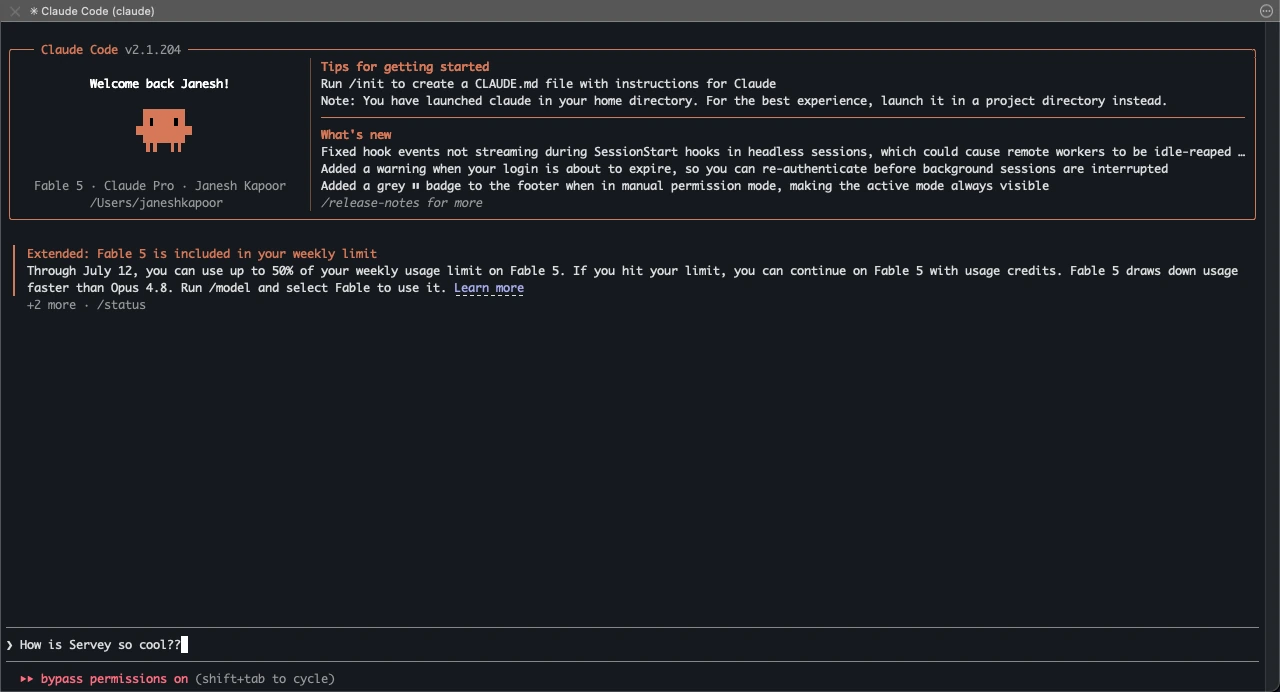
The one catch: you have to stay near the Mac
The trade-off of local is physical. A cloud agent you can poke from a browser anywhere; a local one lives on a machine at your desk. The moment you walk away - to lunch, to bed, out the door - you lose your window into it, which is right when a long run is most likely to stop and ask you something.
Keep your window open from your phone
The fix is not to move the agent to the cloud; it is to carry a remote control for your Mac. With a real terminal on your Mac available from your iPhone or iPad, you can read the agent's live output, answer the prompts it pauses on, and stop or redirect it - all while it keeps running locally. When it does something visual, screen mirroring covers the rest.
How Servey fits
Servey keeps a local-first agent practical. Run the agent on your Mac for all the reasons above, then use Servey to reach that Mac from your pocket: a genuine terminal plus crystal-clear screen mirroring, on your local network and remotely. Sign in with Google on both devices - no VPN, no port forwarding - and your remote session stays private and end-to-end encrypted between your own devices.
If running agents on your own machine appeals to you, Servey is launching soon. Join the waitlist to be first to run them locally and steer them from anywhere.
Frequently asked questions
- Can I run AI agents locally on my Mac?
- Yes - local agents keep your data private, use your real environment, and avoid metered cloud bills. Servey lets you reach them from your phone.
- Is running agents locally private?
- It is more private than the cloud because the work stays on your Mac. Servey only pairs your own devices to view it.
- How do I check a local agent when I leave my desk?
- Servey mirrors your Mac and its terminal to your iPhone or iPad, so a local job never traps you at your desk.
Servey puts your Mac in your pocket. Launching soon.